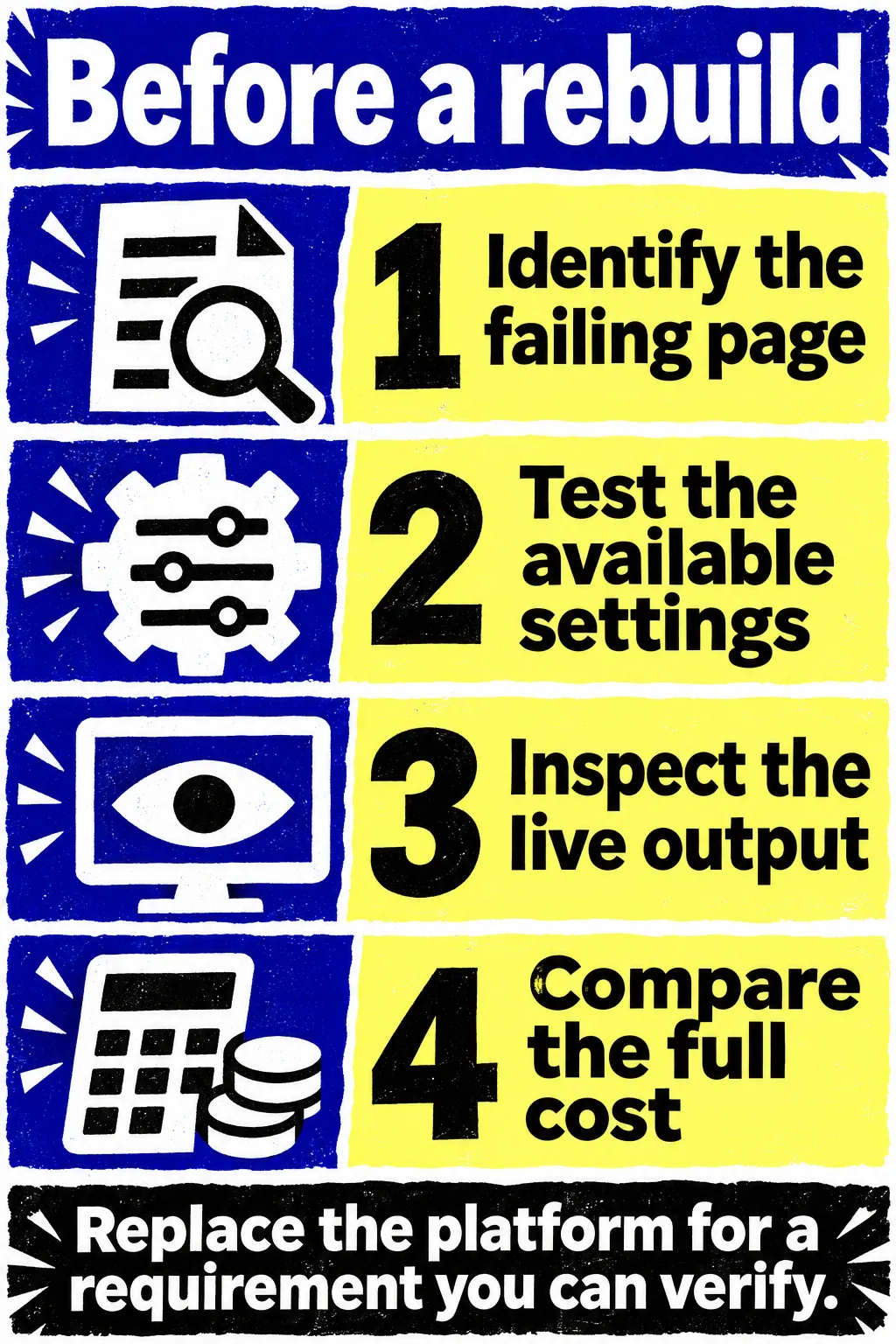


Wix and Squarespace can support SEO and visibility in AI answers. Both provide the basics a business needs to publish search-readable pages. Their limits can matter, but you need to identify the particular job your site can't do before paying to replace it.
If someone recommends a rebuild, ask them to show the affected page and explain what's failing. A service description that doesn't answer a customer's question needs better content. You may need to change an indexing setting. A change to how the server works may go beyond what the builder lets you do.
What Wix and Squarespace Already Let You Do
You can edit search titles and descriptions on both platforms. Both generate sitemaps and provide structured data that helps describe page content to search systems. Neither requires you to build those basics from scratch.
The platforms differ in how much you can change and which page types share settings.
Wix Controls and Custom Content
Wix uses server-side rendering, so its ordinary pages can deliver rendered content to crawlers. The older claim that Google can't read Wix because it uses JavaScript doesn't describe its current setup.
Custom Velo code can still load key text only in the browser if it doesn't handle server rendering correctly. When a custom widget contains the main explanation of your service, you need to inspect the delivered HTML to see whether crawlers receive that explanation. The version on your own screen may be different.
Wix lets you change canonical tags, robots.txt rules, and structured data. It also supports SEO settings by page type and variables for dynamic pages. A CMS collection can supply many pages through one shared design. You don't have to build every similar page separately, though each still needs useful information.
Replacing a default canonical in Wix can remove that URL from its sitemap. If an important page has disappeared from search, look at where its canonical points. Someone may have set another page as the preferred URL.
Wix requires a custom domain for 301 redirects, and changed Wix Blog slugs need manual redirects. When you change a blog slug, set up and test its redirect separately, even if redirects for standard pages have worked.
Squarespace Controls and Limits
Squarespace lets you enter SEO titles and descriptions in page settings. For the homepage, you use site-level settings. Some templates also have description fields for text that appears on the page. Those fields are separate from the SEO description, which you can enter even when the template has no field for a visible description.
Its automated features reduce setup work but give you less freedom in some areas. Squarespace generates several schema types, including Product, Organization, and Local business. You can't edit or remove that generated schema. Before adding custom markup, check what the page already produces so the additions don't contradict it.
You also can't freely edit robots.txt. Squarespace's default blocks include internal URLs that visitors don't need in search. If an audit flags a blocked URL, read the address in its warning. It may concern an internal configuration URL, while a blocked service page would need a different response.
More specialized work depends on your plan and site version. Code injection is available on Core, Plus, Advanced, and some legacy plans. It doesn't support checkout pages. The Developer Platform applies to version 7.0, and Squarespace doesn't support your own server-side code. If a proposed fix depends on custom server behavior, ask how it would work within those limits.
What Can Reduce Search and AI Visibility?
A page may be available to visitors while giving search systems an incomplete or misleading version of its content. When the page's key facts appear in custom embeds or text loaded in the browser, find out whether crawlers receive that text. JavaScript alone doesn't tell you whether there's a problem.
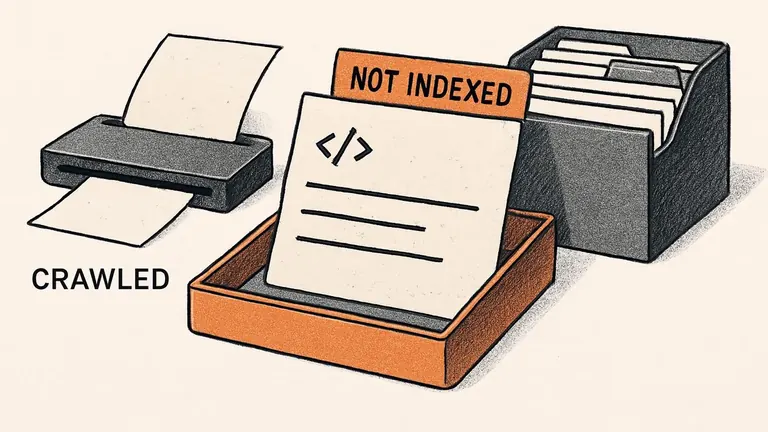
Indexing settings can create a more direct failure. A page accidentally set to noindex asks search engines to leave it out of their index. A canonical pointing elsewhere can suggest a different preferred URL. These settings do different jobs, so find the cause before changing them.
On Squarespace, you won't find the page-level noindex toggle on the homepage or on single items in a collection. Applying it to a collection page affects its items. If you want to exclude just one item, you'll need a supported method for that page type and plan before changing a setting for the entire collection.
Content can be technically accessible and still leave the buyer's question unanswered. A service page that lists broad benefits without explaining scope, location, or restrictions gives people little basis for choosing you. Publishing several near-identical location pages doesn't solve that problem. Each page needs a reason to exist and details that matter to the people it serves.
Performance needs a page-level diagnosis, too. Test the pages that bring inquiries or sales with their real images, forms, analytics, and integrations installed. PageSpeed Insights separates lab tests from data about real users. Its field data covers the previous 28 days and can be unavailable when a page has too few samples. One low lab score isn't a verdict on every website built with that platform.
Look for changes you can make, such as oversized images or unnecessary third-party scripts. Then check whether the inquiry or purchase path works. More people finding the site won't help much if a form fails or your service details send them to the wrong place.
Check AI Access Without Confusing It With Training
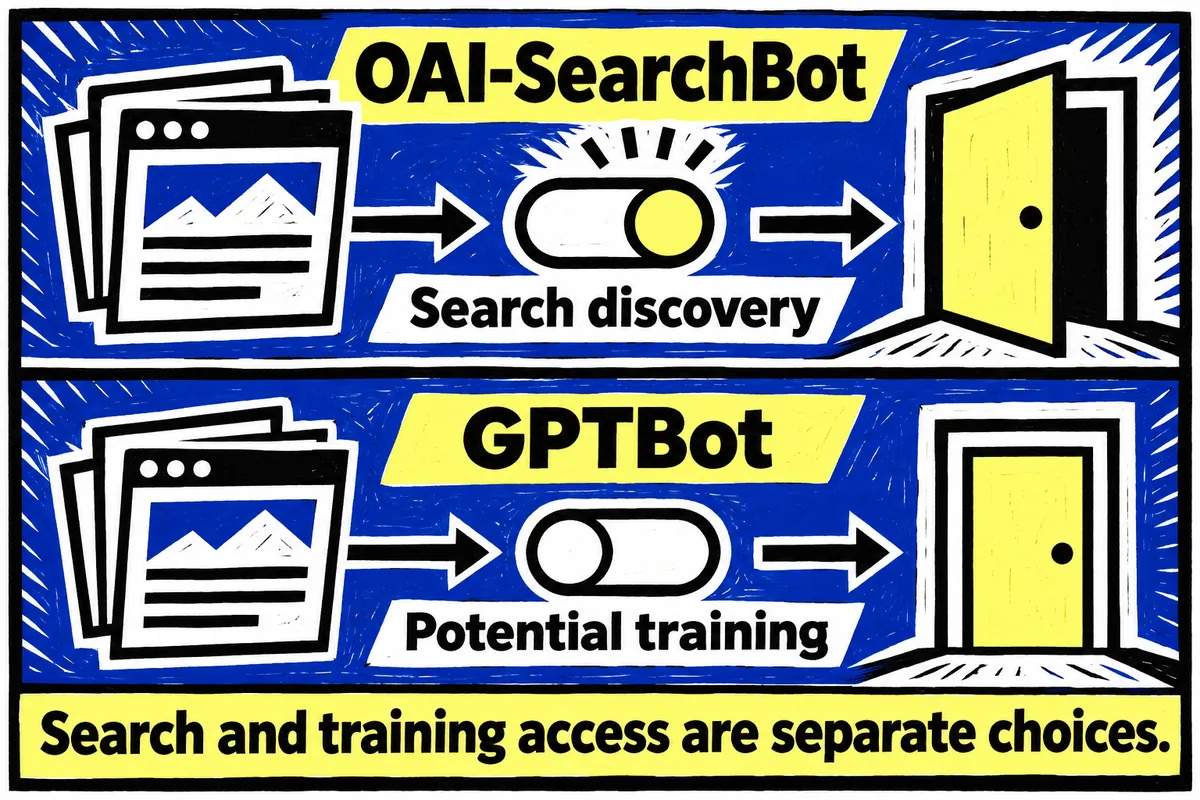
Decide which services you want to access the site before changing an AI crawler setting. Search crawling and model-training crawling can use different bots. You can set access for each bot.
OpenAI uses OAI-SearchBot for ChatGPT search and GPTBot for potential model-training crawling. You can permit the search bot while disallowing GPTBot. Check the actual robots.txt rules and any hosting or security restrictions, including access for OpenAI's published search IP ranges. Allowing a bot in one setting doesn't resolve a block elsewhere.
Squarespace's checkbox is labeled "Block known artificial intelligence crawlers." It is unchecked by default. Leaving it unchecked means Squarespace hasn't added those exclusion requests. Checking it adds disallow rules for the bots on its list.
The list currently includes GPTBot and Google-Extended, and it doesn't list OAI-SearchBot. You can't use the checkbox to make separate requests for individual pages, either. To understand its effect on missing search visibility, you need to know which bots a service uses and which of those the setting blocks.
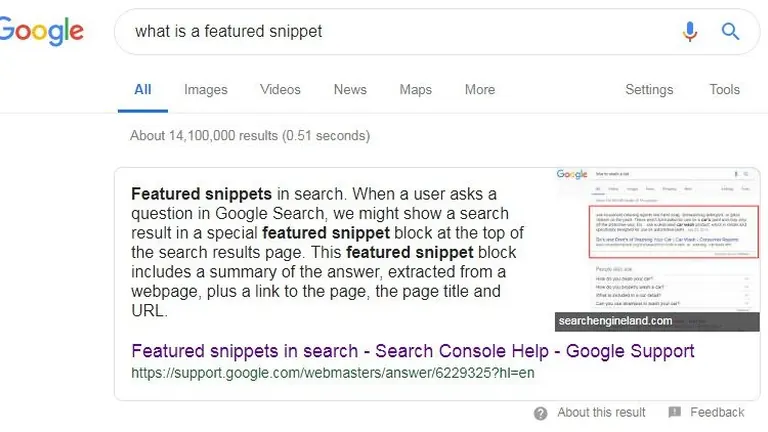
For Google's AI Overviews and AI Mode, Googlebot controls Search access. Google-Extended concerns other Google systems. Supporting pages need to be indexed and eligible for a Search snippet. Opening access lets the service consider the page. It doesn't determine which source an answer will use.
Google doesn't require a special AEO plugin or special schema for these features, and it ignores llms.txt for Search visibility. If an audit identifies one of those missing items as the reason you must leave Wix or Squarespace, ask for a requirement grounded in the actual search service's documentation.
When Is a Rebuild Worth the Work?
Consider a rebuild when the site still can't do a job your business needs after you've tested its settings and ways to work around its limits. Write that requirement down in terms your team can verify.
You might need to alter Squarespace's generated schema, implement custom server behavior, or support URL patterns that its redirect tool can't handle. To use Squarespace URL Mappings, you need inactive source pages. The tool can't redirect image or file URLs or the homepage root. Many query-string patterns also aren't supported. For a complex migration, test real old addresses rather than assuming every row in a spreadsheet will work.
For a larger content program, test publishing and updating a representative group of pages. Wix's dynamic pages may handle a shared content model well. If page variants need separate controls, find out whether you can change their settings independently. That gives you a specific requirement to test before deciding the builder is too limited for your project.
Compare the ongoing cost of staying with the build and maintenance cost of moving. Include the work to move content, keep valuable URLs, set up redirects, and check the site after launch. A new design can create more work if nobody owns updates on the new platform.
If your team can publish useful pages, correct mistakes, and resolve the specific problems the audit found, repairing the existing site is a reasonable choice. If it can't meet a requirement that affects customers or blocks important publishing work, use that need as a test for the new site. Approve the replacement when it can perform the job your current site can't.