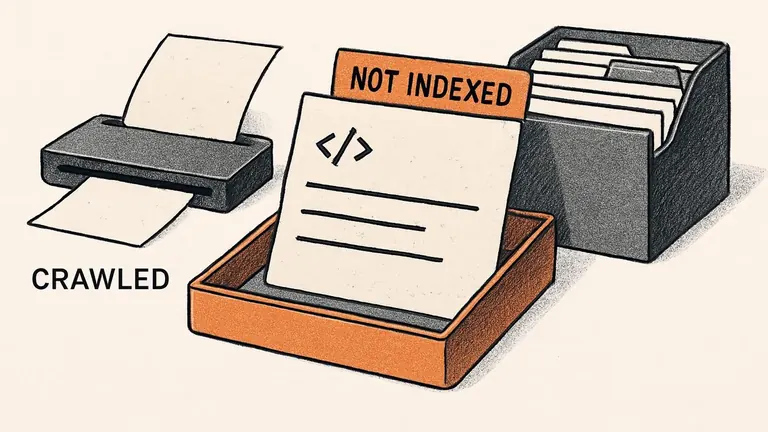


Ask Claude to "improve my SEO" and you can get a very confident plan for a website it hasn't properly inspected. The plan might look organized. That doesn't mean the diagnosis is right.
You'll get more useful work from a smaller request backed by real information. Give Claude a page, a relevant export or a specific problem, then ask for a change you can check. These 12 prompts cover common website tasks, from deciding what a page should answer to preparing a repair for your developer.
| SEO task | What to supply |
|---|---|
| Match a page to search intent | Page copy and page-filtered query data |
| Group keywords | Keyword export and existing URL list |
| Prioritize refreshes | Comparable page-performance exports |
| Improve titles and descriptions | Current metadata and verified page facts |
| Answer buyer questions | Page copy, customer questions and business details |
| Find useful content additions | Your draft and current competing pages |
| Add internal links | Exact URLs and relevant page text |
| Investigate competing pages | Both pages and their query data |
| Triage crawl issues | Crawl export and example URLs |
| Review structured data | Current markup and visible page content |
| Prepare a speed fix | Performance reports and template information |
| Schedule approved work | Verified tasks, owners and available time |
Before you paste a prompt
Tell Claude which site you're working on, who it serves and what a useful visitor should do. Attach the files the prompt asks for before sending it. Remove customer details or other private information the task doesn't need.
If you provide a URL, ask Claude to confirm it accessed the page. Web search and connectors can supply information when they are available and authorized, but a link in your message doesn't prove the page was retrieved. Paste the relevant copy or HTML if access fails.
AI will miss things a human might notice right away. A text review may overlook a mobile menu covering the booking button. A technically sensible content suggestion may promote a service you stopped offering. Claude can also misread a source or produce a convincing answer with incorrect facts.
Use its output as work to review. Open the actual page, check the underlying evidence and involve someone who knows the business before publishing changes. A second AI agreeing with the first doesn't replace those checks.
1. Match a page to the searches it receives
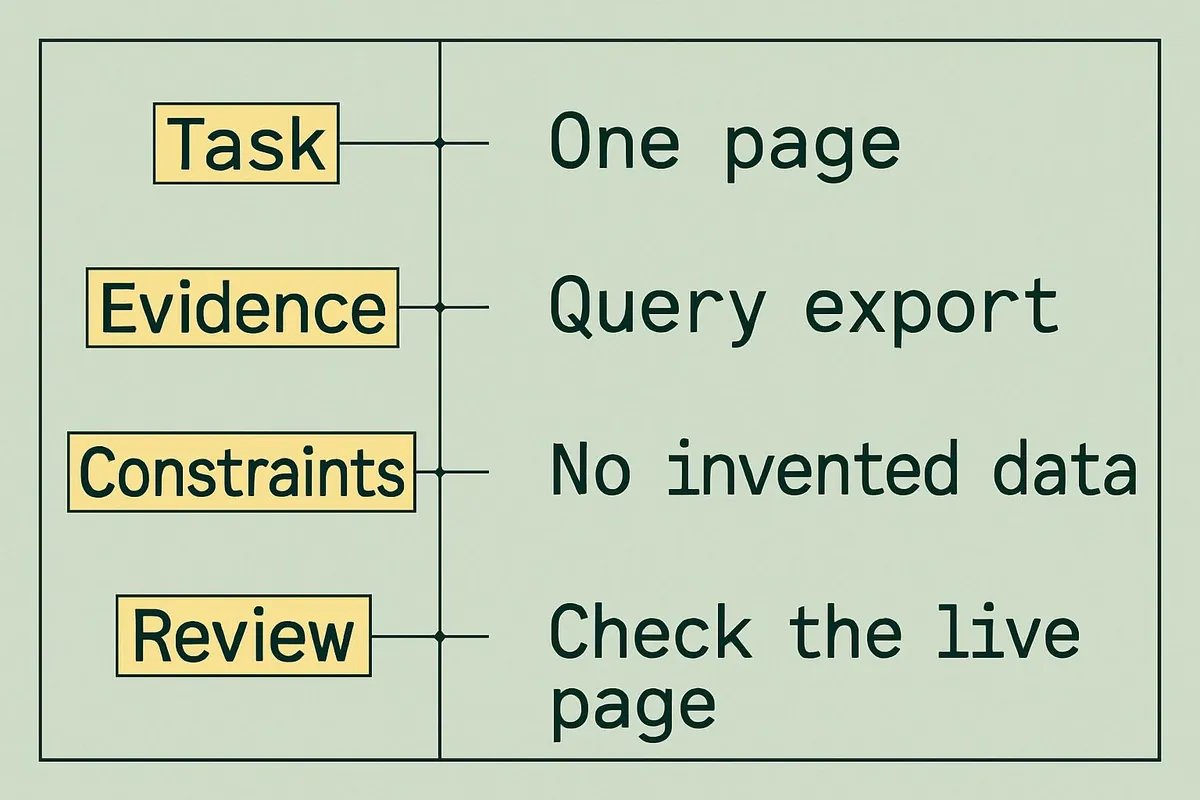
Start with one page you already want to improve. Export its Queries data from Search Console with the page filter applied, and include the reporting dates, country, device and search type.
Review the attached page copy and its page-filtered Search Console query export. The page's purpose and audience are described in my site notes. Find up to 3 places where the page fails to answer a relevant search need. For each, show the query evidence and the existing passage, then suggest the smallest useful edit. Separate observations from assumptions. Do not invent rankings, traffic or missing page content.
Check the live search results before making the edits. Some queries may belong on another page rather than in a new paragraph squeezed into this one.
2. Group keywords without creating unnecessary pages
Use a keyword dataset from your SEO tool and a list of your existing pages. Claude can help organize that material, but it shouldn't fill missing volume or difficulty columns from memory.
Group the attached keywords by the search need they appear to share. Use the supplied URL inventory to suggest one existing destination for each group where there is a clear fit. Preserve the original metrics and their date and market. Identify groups that need a human search-results check before deciding whether they require separate pages. Do not create a new page recommendation for every wording variation.
Review the uncertain groups yourself. Two phrases can sound different while returning the same kinds of pages; similar words can also hide very different buying needs.
3. Choose which existing pages to refresh
A refresh list is more useful when it respects your team's capacity. Share each page's results for dates you can fairly compare, plus short page summaries. Note any known launches or seasonal changes.
Compare the attached page-performance exports and recommend no more than 5 pages to investigate for a refresh. Show the relevant changes in clicks and impressions, explain the business reason to review each page, and estimate effort as low, medium or high with your reasoning. Keep possible explanations separate from measured changes. If the exports use different filters or periods, stop and explain what needs correcting.
Check the math. Falling clicks can reflect changing demand, competition or search-result layouts, so a decline alone doesn't prove the writing needs replacing.
4. Write titles and descriptions you can stand behind
Include the page text, current title and description, intended audience, and the offer's confirmed details.
Write 3 distinct title-and-description pairs for this page. Each should describe the actual offer and help the intended reader understand why the page is relevant. Explain which supplied fact supports each promise. Keep the copy concise without treating a character count as a Google ranking rule. Do not add superlatives, prices, guarantees or credentials that my materials don't establish.
Read each option as a customer. Would you feel misled after clicking? Preview the result, too. Google can choose different title text or page passages for a snippet, so publishing a description doesn't guarantee it will appear.
5. Find what buyers still need to know
Your customer questions are especially useful here. Supply the page, questions from actual inquiries, and confirmed details about your products or services.
Read this page as a prospective customer comparing options. Using the attached customer questions and business facts, identify the 4 most important unanswered questions. Explain the decision each answer would help someone make. Draft additions only where the evidence supports them. Where information is missing, write a question for our team instead of supplying a plausible answer.
Ask a subject specialist to review the additions. They may spot a wrong delivery promise, qualification or service limit even when the paragraph sounds good.
6. Improve your article without copying competitors
Give Claude your draft and the actual text of a few relevant current search results. Include the URLs and access dates so you know which material it compared.
Compare my draft with these supplied pages for the stated reader and search question. Identify necessary topics my draft misses, then suggest 2 useful additions we could support with our own knowledge or evidence. Explain what the reader would learn from each. Don't copy the other pages' language or treat their claims as verified. Flag any proposed claim that needs an original source or input from our team.
Choose additions that belong in your article. A longer competitor page isn't automatically a better page, and matching its entire heading list can bury your answer.
7. Place internal links where they help
Provide exact destination URLs and the source and target page copy. A plausible URL slug can still point to a page that doesn't exist.
Suggest up to 5 useful internal links from the supplied source text to the listed destination pages. For each, give the existing sentence, a proposed sentence with descriptive anchor text, the exact destination URL and the reader's reason to follow it. Use only URLs in the inventory. Flag links already present and skip destinations without a natural connection.
Click every destination and read the surrounding paragraph. You should be able to explain why someone would want that link at that moment.
8. Check whether similar pages compete
Two URLs appearing for the same term don't automatically need to be merged. Supply both pages and query data tied to each URL, along with their canonical settings and any relevant conversion history.
Assess whether these pages serve the same search need or different needs. Cite the supplied page passages and URL-specific query evidence behind your assessment. List what you cannot determine from these files. Recommend the smallest reversible action worth testing, or explain why no change is justified. Do not recommend deletion or a redirect merely because the pages share keywords.
Don't try to create URL-specific evidence by joining separate Pages and Queries lists that contain no page-query relationship. Look at the live search results and each page's past performance before you decide to merge them.
9. Turn crawl findings into a repair list
A crawl export gives Claude something concrete to examine. Include status codes, whether each page can be indexed, its canonical target and its internal links, as needed for the issue.
Triage this crawl export into issues we can verify. For each priority, show affected URLs, the exact evidence, the likely consequence and one live check for our developer. Group repeated issues by template when the data supports it. Separate confirmed findings from possible risks. If a necessary column is missing, request it rather than assuming the site's configuration.
Test a few URLs that show the issue before making the same change across many pages. A redirect can be intentional, and a canonical pointing elsewhere can be correct. Check the site's setup to decide whether a flagged row needs fixing.
10. Review structured data against visible facts
Supply the page's current markup, visible content and the current documentation for the relevant supported search feature.
Compare this structured data with the supplied visible page and verified business details. Identify factual mismatches, conflicting entries and missing required properties for the documented feature. Propose minimal corrections using only confirmed information. Never invent ratings, reviews, availability or prices. Explain what still needs validation and whether another site plugin may already output the same data.
Validate the result and inspect it on the live page. Passing a syntax test doesn't guarantee a rich result. Check that the feature still exists, too. Google stopped displaying FAQ rich results in May 2026, so an older recommendation to add FAQ markup for that benefit needs correcting.
11. Prepare a focused page-speed task
Include the performance report's URL, date and device, plus any available field data and relevant template details. A screenshot of a score rarely explains enough.
Read these performance reports and template notes. Choose the most defensible performance issue to investigate first. Quote the supporting measurement, explain which part of the visitor's experience may be affected, and draft a developer task with a reproduction step and acceptance check. Distinguish field data from a single lab test. State what cannot be diagnosed without inspecting the implementation.
Reproduce the problem in a browser and test a fix in staging. Check important interactions as well as the score; a faster page still needs working forms and menus.
12. Make an SEO plan your team can finish
Use findings you've already reviewed. Otherwise, a neat work plan can turn uncertain suggestions into a month of unnecessary changes.
Build a 4-week plan from these approved SEO tasks and the team's stated availability. Show the owner role, dependencies, expected outcome and acceptance check for each task. Choose what fits and clearly defer the rest. Include the baseline to record before deployment, a rollback condition where appropriate, and the follow-up measurement. Don't treat an unverified suggestion as approved work.
Record deployment dates and compare like reporting periods. A before-and-after change can help you investigate results, but it doesn't isolate the effect of your edits from every other change in search demand or competition.
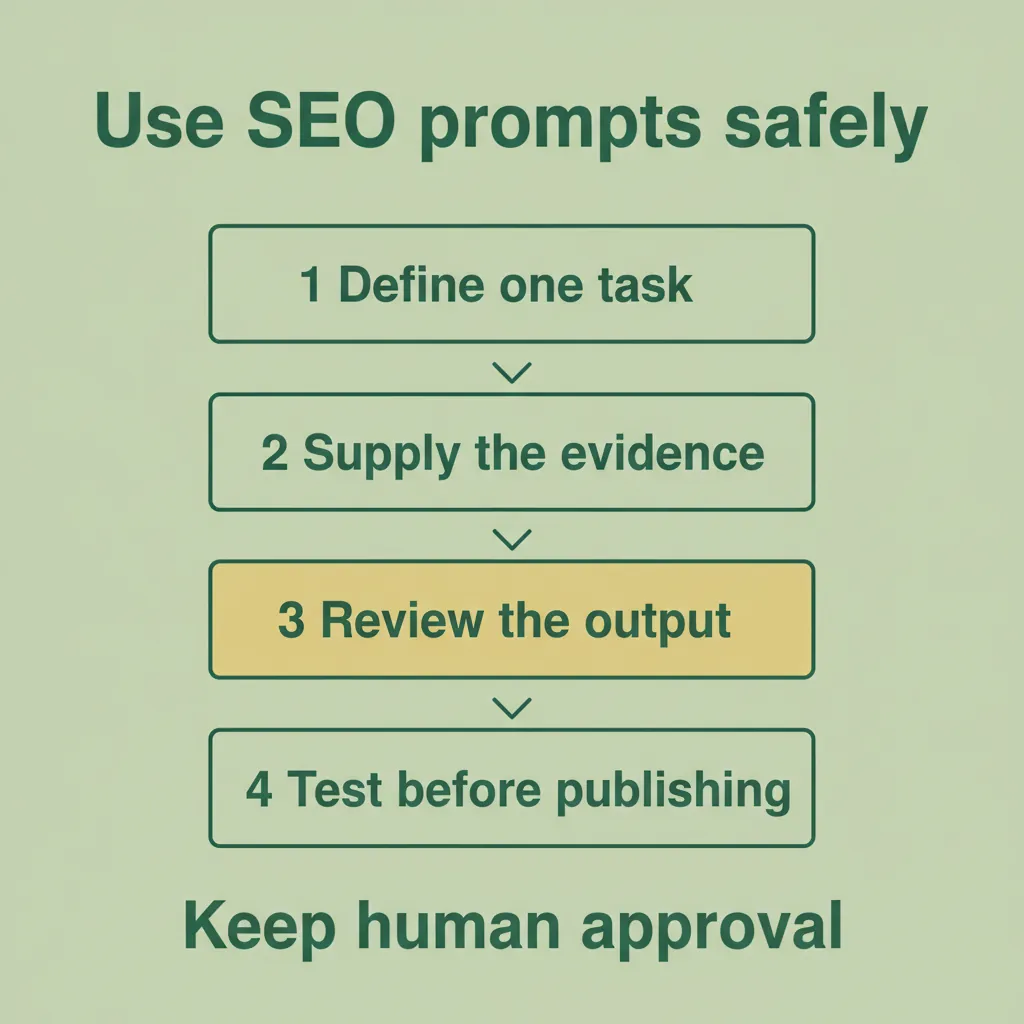
Human review at Growing Search
Claude can organize evidence and prepare drafts while people decide which changes deserve to go live. Growing Search's technical SEO and content marketing services help find site problems and improve useful pages. The work connects SEO decisions to business goals. A prompt can help prepare a task for that process. People still need to confirm that the advice fits their customers, website and actual offer.