

By Francisco Leon de Vivero, VP of Growth at Growing Search.
When someone nearby finds your business online, they need enough information to decide whether you can help and a clear way to reach you. The category you choose affects which searches bring them to you. Your service page has to answer their questions, and your phone number or booking form has to work.
Start by checking the information a potential customer finds and trying to contact the business yourself. Fix anything that stops someone from finding or reaching you before adding more content or buying another directory listing. You'll have a clearer idea of where to spend your next hour.
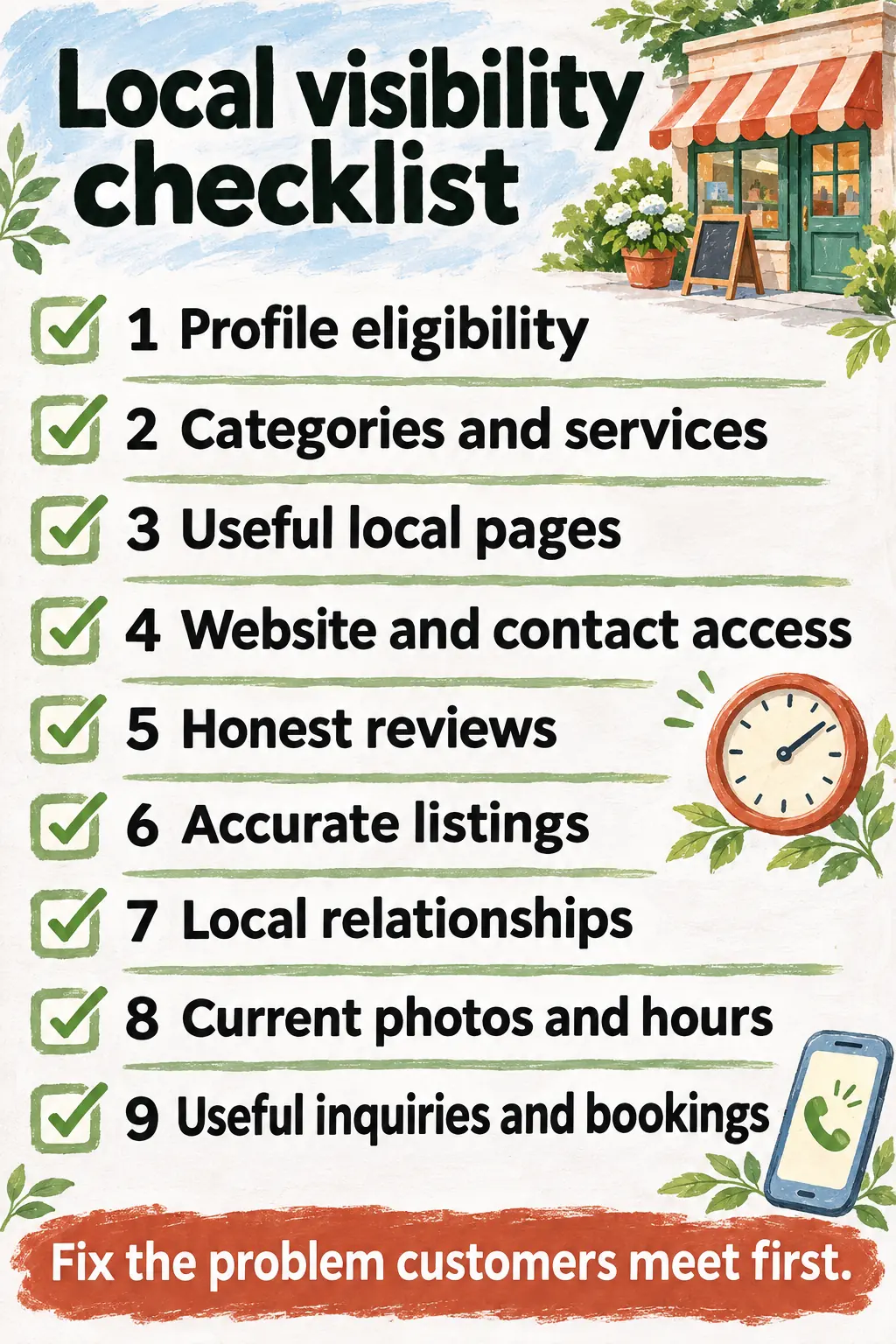
| Priority | What to check |
|---|---|
| 1. Profile eligibility | Real place of work, profile access, and address settings |
| 2. Categories and services | An accurate match for the work you sell |
| 3. Service and location pages | Clear details about what you do and where |
| 4. Website access | Findable pages and a working contact path |
| 5. Reviews | Neutral requests and helpful replies |
| 6. Other listings | Correct phone numbers, addresses, and hours |
| 7. Local relationships | Real local work others can describe |
| 8. Current photos and details | What customers will actually find today |
| 9. Business outcomes | Useful inquiries and completed bookings |
1. Start with an eligible business profile you control
Before adding photos or posts, make sure you control your Google Business Profile and that it's verified. Check the public name, map pin, phone number, and how the address appears. The profile needs to match the business you run.
A storefront and a mobile service business need different address settings. If customers don't visit your place of work, hide its address from the public profile and give accurate service areas. You still need a real place to work from. You can't use a rented mailing address where you don't work.
If you use a coworking space, check its eligibility before spending money to promote the office. Google requires clear signs and your own staff there. You must also receive customers there during business hours.
Distance remains part of local ranking alongside relevance and prominence. Adding a nearby city to your service-area settings tells people where you work. It doesn't move your business closer to a searcher there. Set your coverage honestly and expect distance to affect where you appear in search.
2. Choose categories that match the work you want
Your primary category should be the most specific category available for your main business. A nail salon should use that category rather than a broader label when it fits. Other categories should describe real parts of the business. Keep them focused on what your business does, even if you'd like to appear for more searches.
Then list your actual offerings in the Services section where it's supported. A plumber can describe faucet installation and toilet repair without trying to make each service a business category. Add details that help people decide whether you can help. If the phone rings more often but callers keep asking for work you don't offer, check the category and service details before treating more calls as a success.
3. Give important services and locations useful pages
Give your most important services clear pages before committing to a large blog calendar. Someone looking for a repair or appointment needs to know what you do and whether you serve them. Make the next step easy to find.
A useful service page explains the work included, what you don't cover, when you can do it, and prices where you can give them. If you need to inspect the job before giving a price, explain how that works so the buyer knows what to expect before booking.
Location pages need the same care. A page for a staffed branch can include directions, hours, and what customers can do there. A service-area page should explain coverage without implying that you have an office in that city. Use actual local details when they change the service or the customer's decision.
Before creating another service-and-city page, compare it with the pages you already have. If removing the city leaves two pages almost identical, ask what separate need the second page serves. Google's doorway-abuse rules cover pages that are much the same and send people to one place. Add another page when you have something useful and distinct to explain.
4. Make sure people and search engines can use the site
Check the pages that support your main services before paying for more content. If a key page isn't showing up, use Search Console's URL Inspection to look for an access or indexing problem. Fix any problem it finds.
An accidental noindex setting, an error page, or a broken internal link can get in the way. A useful page also needs a sensible route from the rest of your website. Don't leave customers or crawlers dependent on a URL they have no reason to discover.
Next, try the site on a phone. Read the service details, find the contact information, and send a test inquiry or make a test booking. Confirm that someone receives it. A failed booking form needs your attention before small changes to a page people can already use.
LocalBusiness structured data can describe details such as hours and phone numbers. Check that it matches what people see on the page, and test it for errors. It gives search engines details about the business, though adding it doesn't promise you a higher rank.
5. Ask for honest reviews without steering the answer
Make a neutral review request part of finishing the job so customers can describe their own experience. Google's review link or a QR code can make the task easier.
Ask customers in the same way, whether or not you expect praise. Sending satisfied customers to Google and unhappy customers only to a private form leaves unhappy people out of your public review requests. Google prohibits that practice.
Discounts, gifts, and payments in exchange for reviews are also prohibited. That applies even if you don't require a positive rating. Don't ask customers to insert your city or a service keyword, and don't give staff review quotas or pressure people to write a review while they're on the premises.
Give someone the job of reading and answering reviews. They need to be able to help when a customer raises a problem. Address the concern and explain how the customer can get in touch for help. Keep private customer information out of the public reply.
Reviews can help local ranking and give buyers useful evidence. They won't remove the effects of distance or make an unrelated business relevant to a search. Build a process you can continue without trying to control what people say.
6. Fix the business details customers find elsewhere
Correct a disconnected phone number before buying a directory package. Start with your website, Google profile, relevant Bing listing, and the trade or local directories people actually use to find businesses like yours. Look for old addresses, duplicate entries, conflicting hours, and links that send customers to the wrong page.
Prioritize mistakes by their effect on a customer. An old address can send someone across town. A stray comma in a listing rarely needs the same care. You can claim or update your Bing Maps details through Bing Places for Business where it's available in your country or region. Keep a record of the listings you control so the next address or phone change doesn't require starting over.
7. Earn local attention through useful relationships
Choose local work that would still make sense if search rankings weren't involved. A relevant trade membership or supplier relationship can put your business in front of people who may need it. So can a neighborhood project or a useful contribution to local reporting. Another organization can then describe that relationship accurately on its own website.
Google's explanation of prominence includes links from other sites, but that doesn't make every paid link package valuable. Choose work you can explain to a customer, and let any mention reflect what your business contributed.
8. Keep photos and operating details current
Use photos that help someone recognize the business and understand what you offer. A storefront should show the entrance customers will see. A mobile service business can show real work without revealing a customer's private address.
When your business changes, replace old images and review your hours, menus, services, and appointment links. Check holiday hours before people rely on them. A polished photo of an old location can be less helpful than a clear, current one.
Google asks for photos that show things as they are, without major edits or heavy filters. Avoid setting a daily posting target just to look active. Use updates to help customers understand a change, such as a new service or a temporary closure.
9. Measure contacts and bookings you can follow up
Decide what a useful inquiry looks like for your business. It might need to concern a service you offer, fall within your coverage area, and come from someone able to book. Agree with your staff on what counts before checking how many people found you each month.
Google Business Profile Performance reports several interactions, including website clicks, directions, and clicks on the call button. A call-button click doesn't prove that a call connected or that the caller became a customer. The report can show completed bookings only if you use a booking provider it supports. Compare those counts with the records your staff uses to track calls, messages, and bookings.
Keep a small change log and compare the same kinds of periods. Note changes to categories, pages, hours, and contact forms. Check relevant website performance in Search Console, and occasionally try a few real customer questions in the AI services your audience uses. If an answer gives the wrong hours or service area, inspect its sources and correct the business information you control.
Use what you learn to choose the next job. A form that fails needs a repair, even when people find the right page. Inquiries from outside your area may mean you need to explain where you work more clearly. If callers need a service you offer but can't get through during your stated hours, fix how you answer calls. Let those problems guide where you spend your next hour.